






SB PHOTOS Pro: The Ultimate Album Design Software That Feels Like Magic!
Imagine walking into a magical workshop where all your heavy, boring chores are done in the blink of an eye. What if you had a brilliant assistant who took care of the tedious steps, leaving you with only the fun parts of creating?
Meet SB PHOTOS Pro! This isn’t just ordinary software; it is like a powerhouse tool designed for professional album designers that makes complex workflows feel completely effortless. Whether you are explaining it to a tech-savvy youngster or looking at it through the lens of a seasoned industry professional, here is how this incredible standalone application transforms the entire design experience.
- Smart Loading & Instant Verification
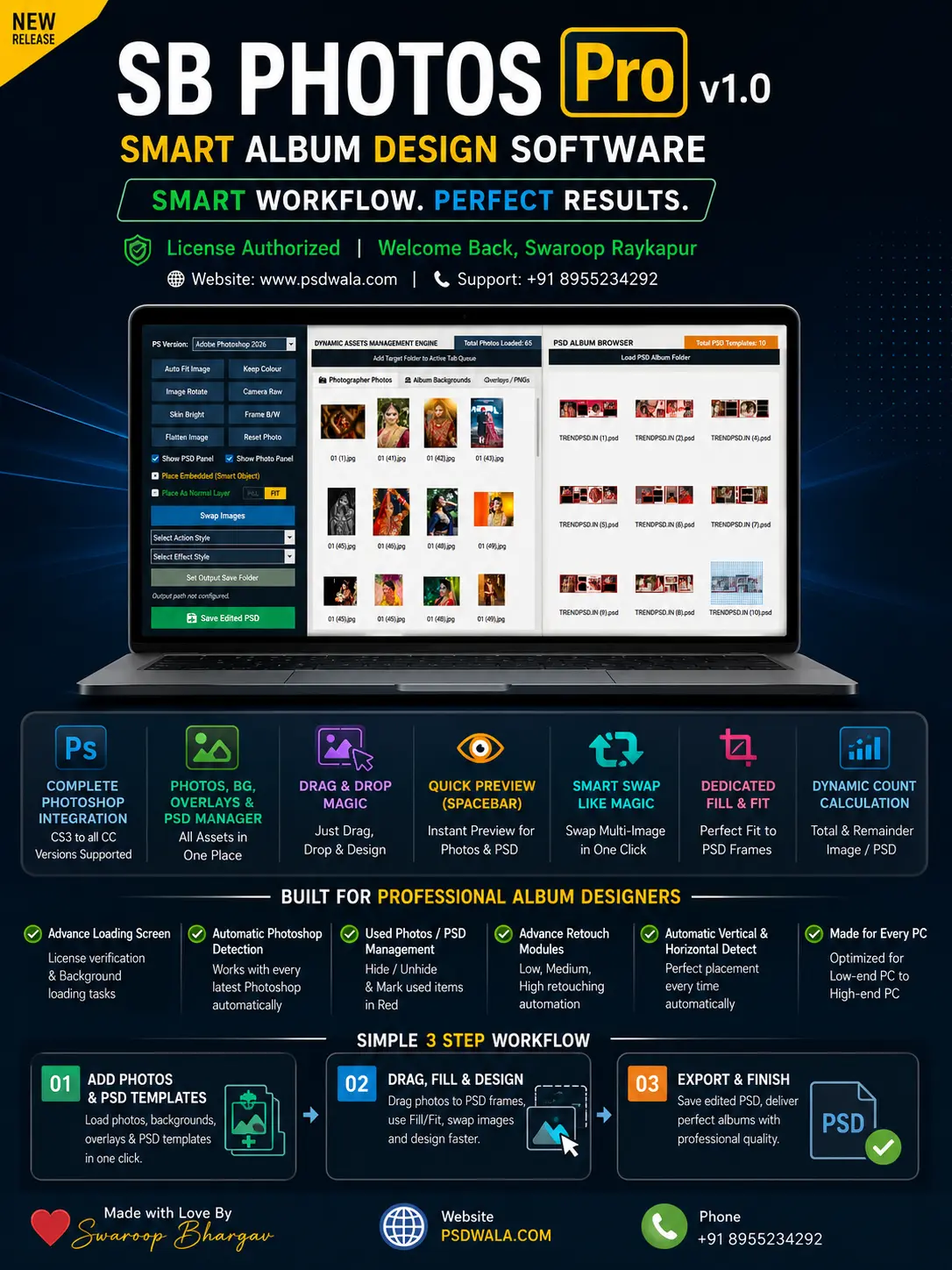
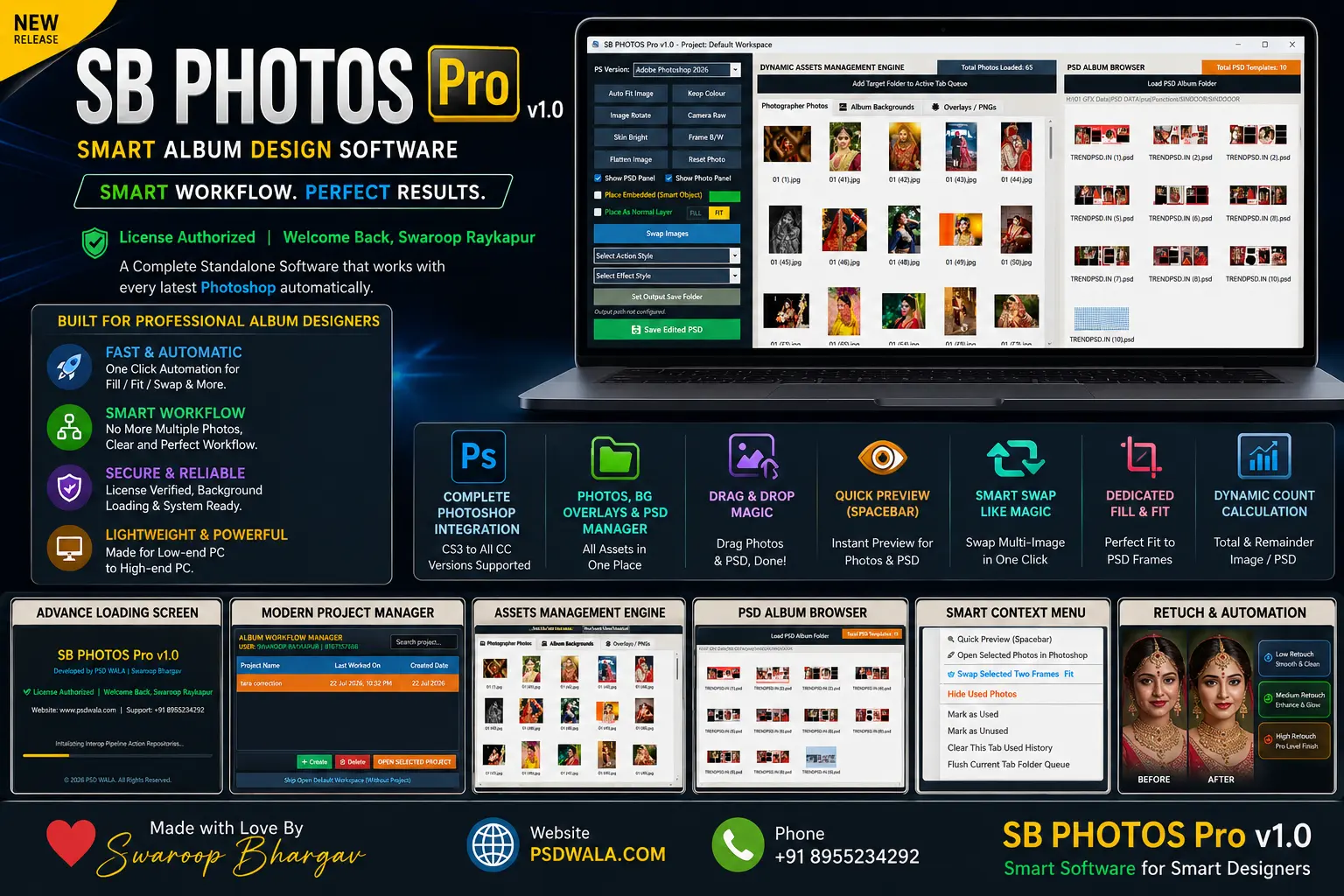
When launching a professional tool, waiting around is the last thing anyone wants. SB PHOTOS Pro features an Advanced Loading Screen that handles secure license verification and background task loading simultaneously right from the start. It gets everything ready behind the scenes so you can jump straight into action without any delay.
- Universal Photoshop Compatibility & Green Indicator
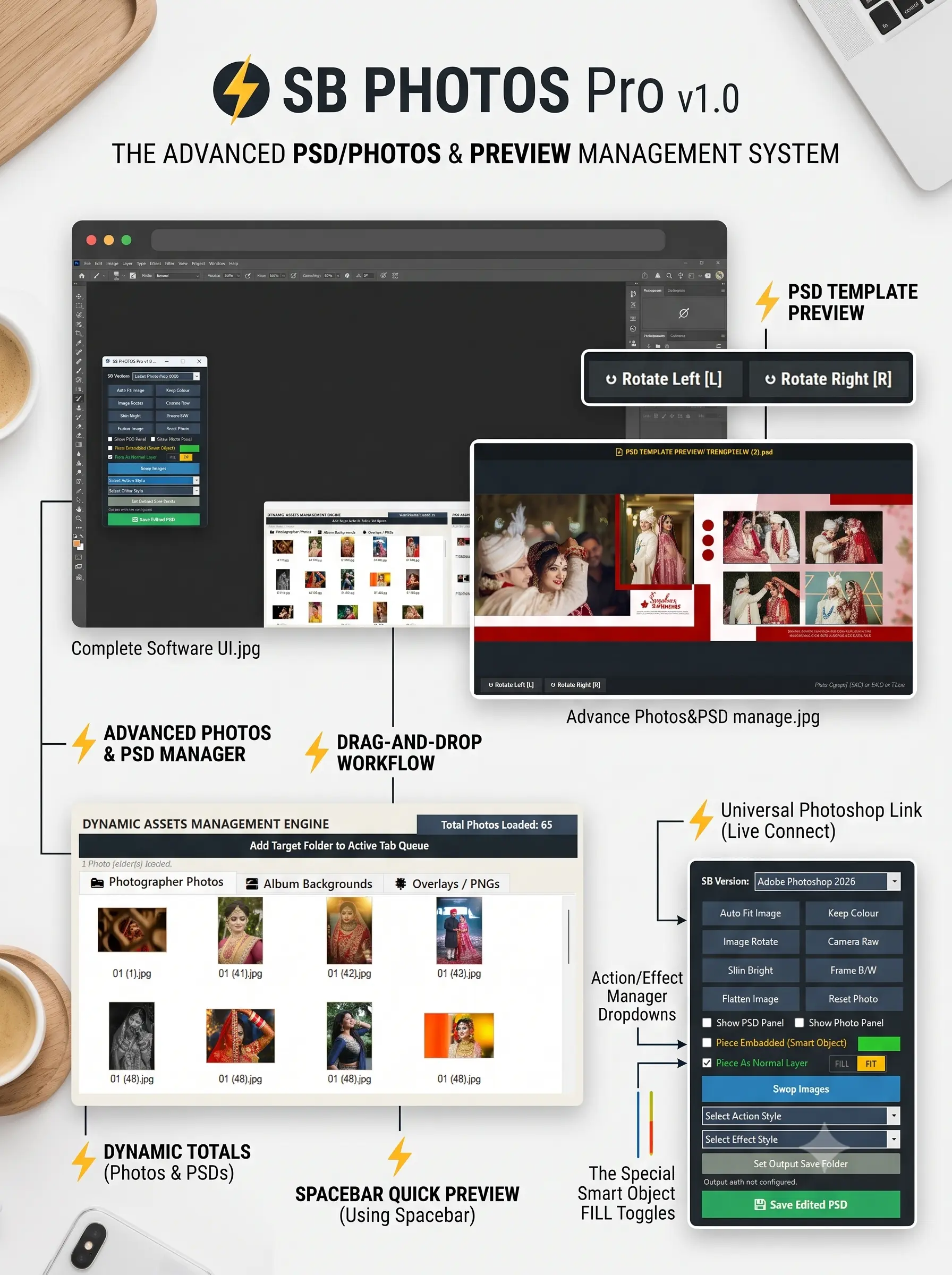
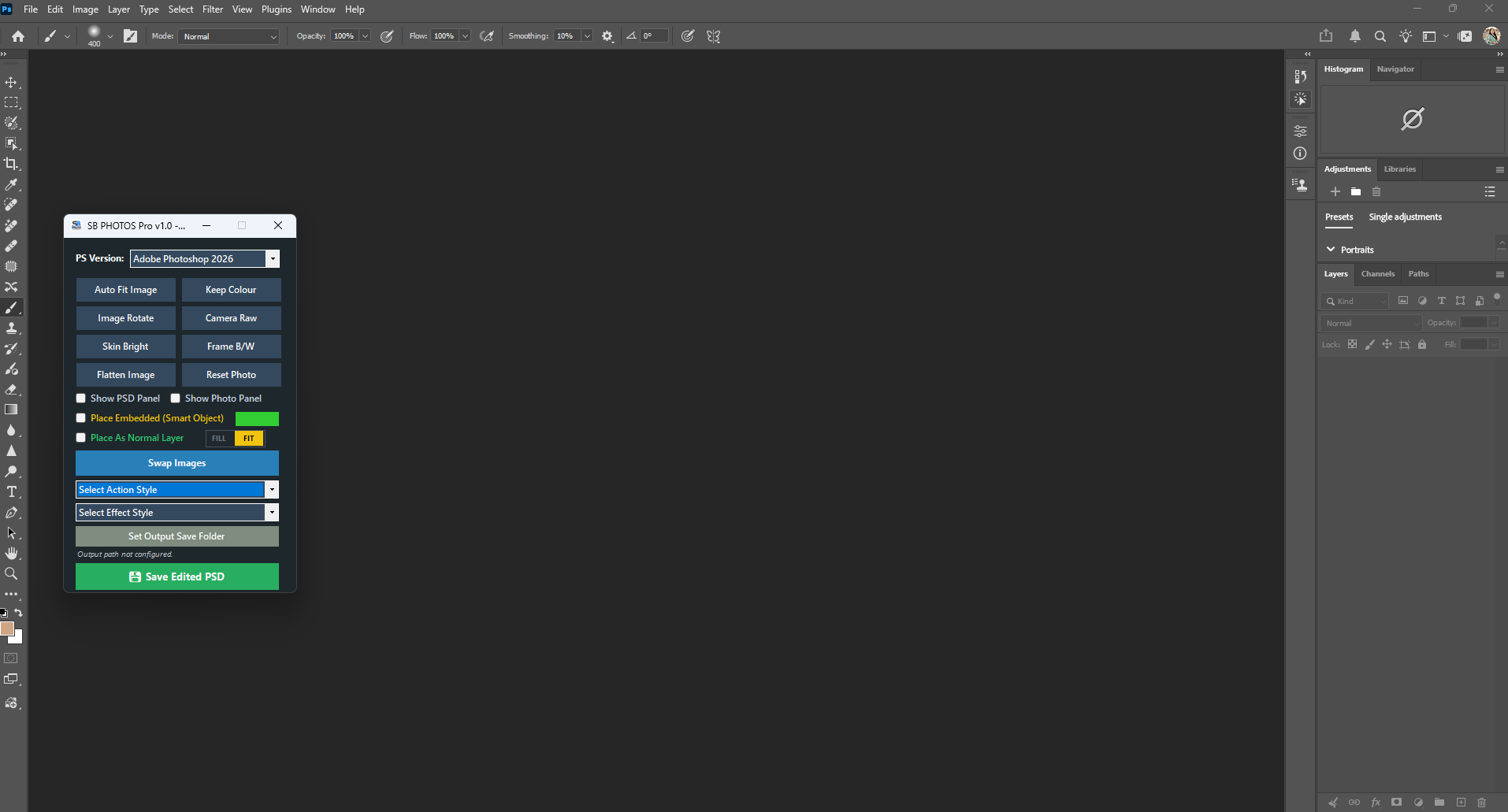
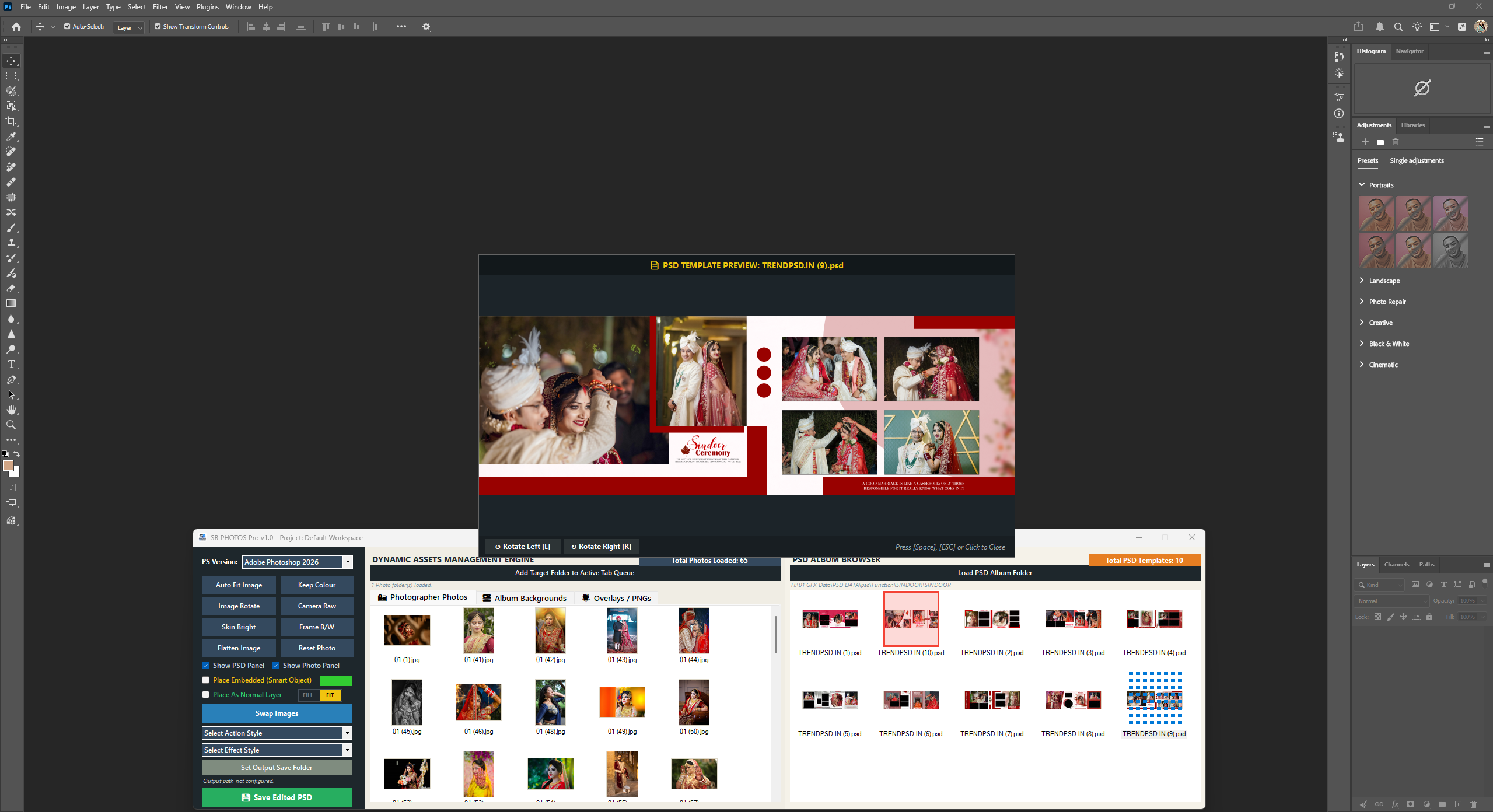
Photoshop is the core canvas for professional design, and this software connects with it seamlessly. Supporting everything from Photoshop CS3 up to the latest CC versions, it features Automatic Photoshop Detection. Once a live link is established with your running Photoshop instance, a bright Green Indicator lights up to let you know everything is locked, loaded, and ready to go.
- Modern Project Management & Drag-and-Drop
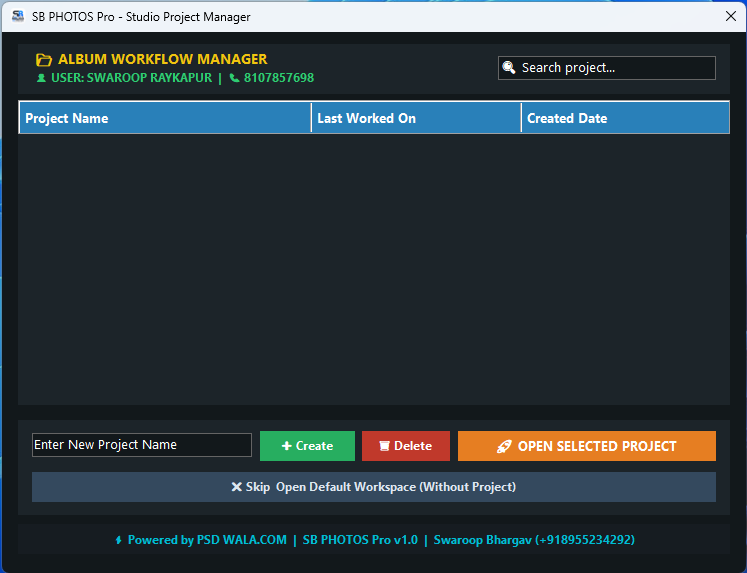
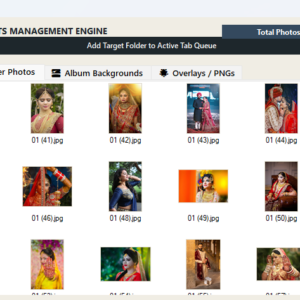
Say goodbye to cluttered workspaces and messy file structures. The software features a Latest and Modern Project Manager designed to maintain a clean and perfect workflow.
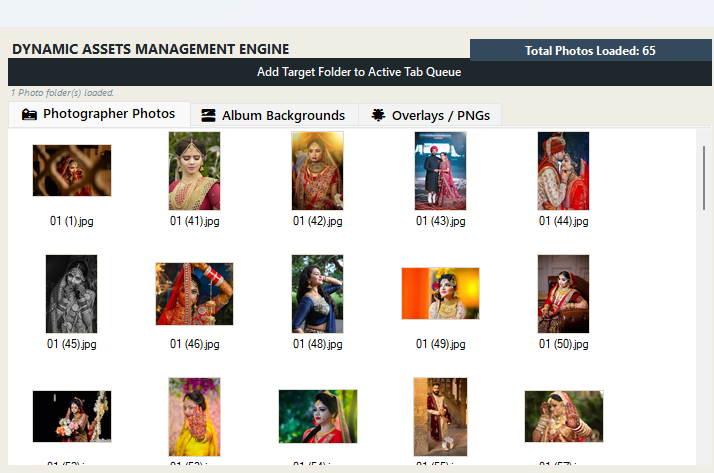
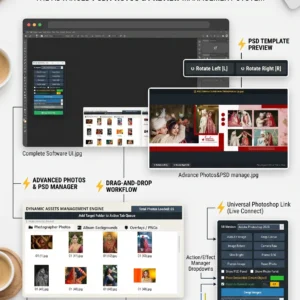
- It features smooth Drag-and-Drop support for Photos and PSDs, letting you drop your assets right into place.
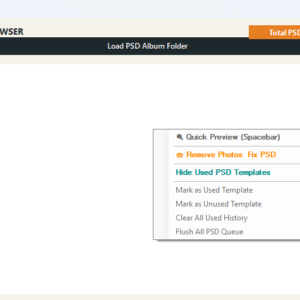
- It comes with advanced, separate menu functions specifically organized for photos and PSD templates so you never mix up your assets.
- Spacebar Quick Preview
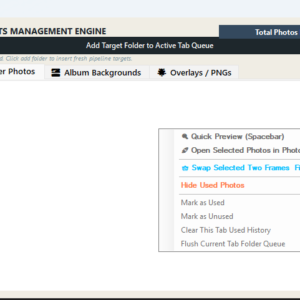
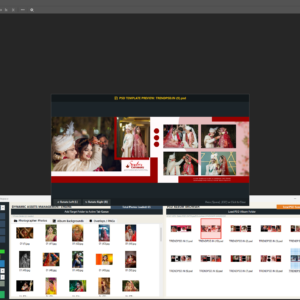
Need to take a quick look at a high-resolution photo or template without opening a separate window? Just select the item and hit the Spacebar. The Quick Preview feature pops up an instant, crystal-clear view right away, making file inspection faster than ever.
- Smart Framing, Auto-Detection, and Magic Swaps
Placing images into complex album layouts requires precision, but the software automates the heavy lifting:
- It includes Automatic vertical and horizontal detection for photos, instantly understanding orientation.
- Dedicated Fill and Fit buttons let you instantly snap photos precisely into PSD frames with a single click.
- The Swap multi-image feature lets you swap positions between frames seamlessly, acting like pure magic.
- Workflow Tracking with Red Color-Coding
Keeping track of progress across large wedding albums can get confusing. SB PHOTOS Pro solves this with smart visual indicators:
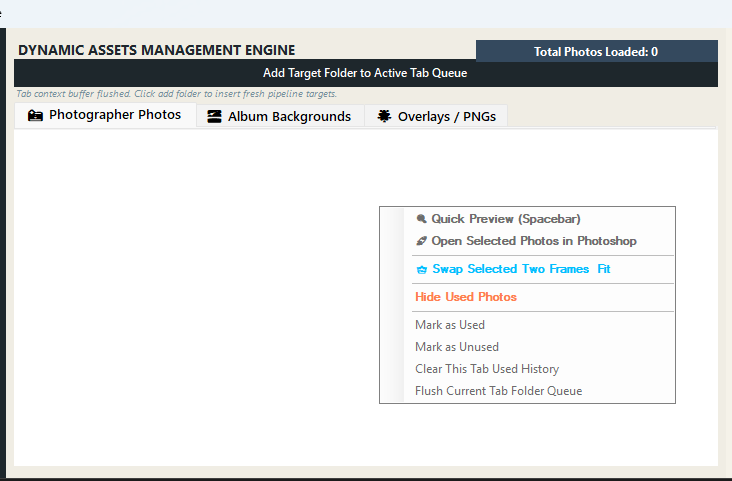
- Any photo or PSD template that you have already utilized automatically turns red in color, and you can easily Hide/Unhide used Photos/PSD elements to declutter your workspace.
- It provides Dynamic Total and Remainder image/PSD calculation in real-time, giving you an exact view of how much work is done and what is left.
- Advanced Retouching and Action Integration
To ensure the final output looks pristine, the software packs heavy-duty editing capabilities:
- Built-in Advance Retouch Functions provide automatic Low, Medium, and High retouching modules.
- The Advance Action Manager lets you integrate your own custom Photoshop actions directly into the software workflow automatically.
- Built for Any PC with Auto-Save Protection

Whether you are running it on a budget-friendly setup or a high-end workstation, SB PHOTOS Pro is optimized to run smoothly from low-end PCs to high-end PCs. Plus, unexpected system crashes or power cuts will never ruin your progress thanks to the robust Project AutoSave and Session Recovery system.
Conclusion
SB PHOTOS Pro bridges the gap between raw power and effortless user experience. By automating the repetitive tasks, offering deep Photoshop integration, and keeping your workspace brilliantly organized, it allows designers to focus entirely on creativity.
Reviews
There are no reviews yet.